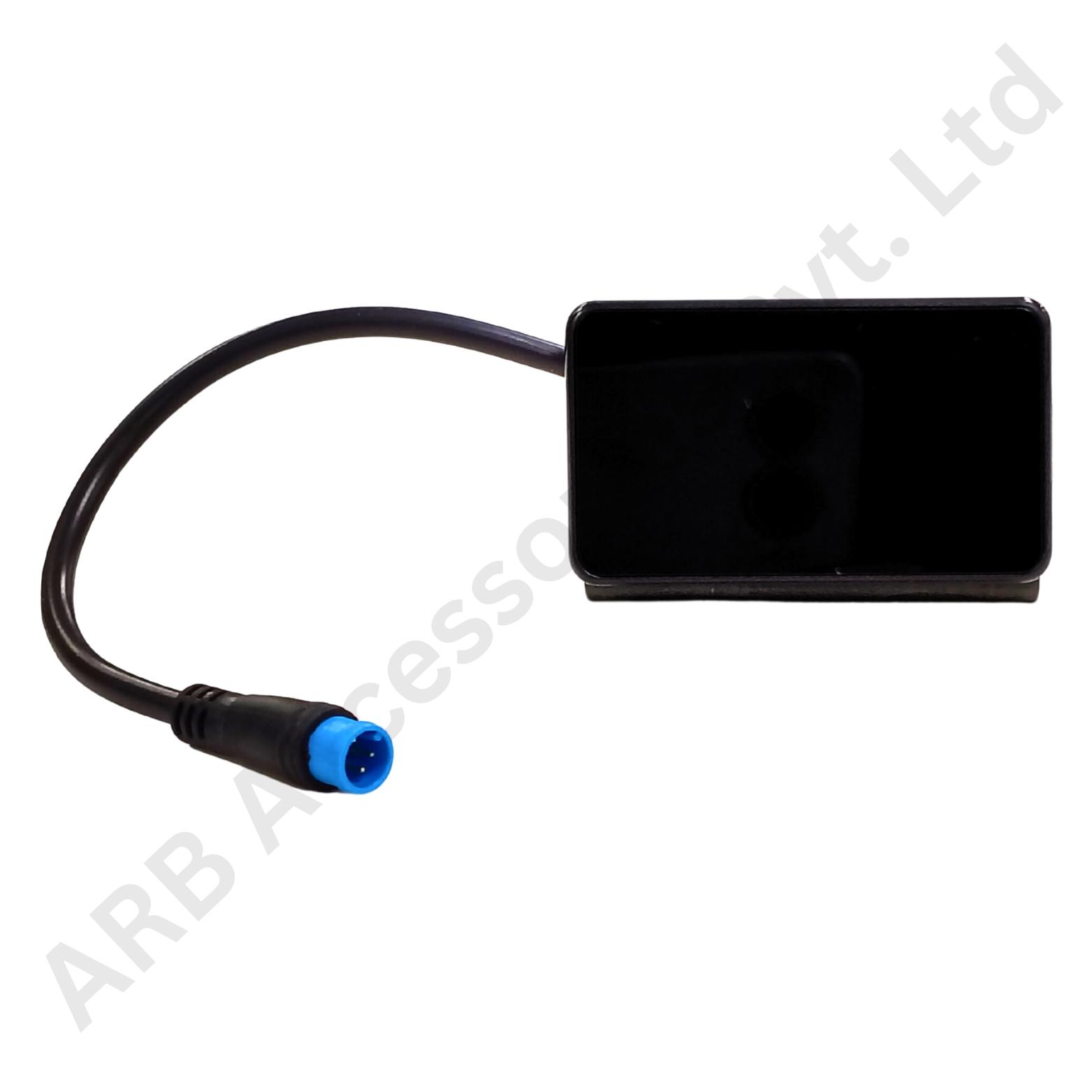
Key Feature
• 2-Inch LCD - Compact local battery-status interface.
• Bluetooth or RS485 - Select the supported communication mode.
• SOC, Voltage and Current - View key battery information together.
• Fault-Code Indication - Inspect reported BMS alarm conditions.
• Automatic Idle Screen-Off - Screen turns off after the documented idle period.
₹696.00
JK LY 2.0-Inch Bluetooth Battery SOC Display
The JK LY 2.0-Inch Bluetooth Battery SOC Display shows pack voltage, current, state of charge and alarm status from a compatible JK BMS. The LCD-2.0-LY supports either RS485 or Bluetooth communication, with one mode selected.
This compact interface is useful for battery systems that need a local status view without allocating space to a larger panel. Its dedicated battery information can support everyday checks and give a technician an immediate indication of the management system's reported condition.
The manufacturer's V1.1 manual specifies a 9-100V supply range and describes both wired RS485 operation and Bluetooth pairing. Wireless data communication does not remove the requirement for a suitable display power supply. The selected mode must be supported by the BMS and configured using the documented connection procedure.
The display includes fault-code indication and distinguishes charging from discharging current. It also has a documented idle screen-off function. These are interface functions: the BMS continues to perform the battery measurements, estimate SOC and carry out its protective actions. A shown fault code identifies a reported condition, not necessarily its complete underlying cause.
Compatibility & Selection Guide
Select the LY model specifically and verify the compatible JK board and firmware. Do not substitute the separately named 2.0-inch USB variant on the assumption that the same diagonal size means the same communication method. Decide whether the installation will use RS485 or Bluetooth before specifying the harness.
Check the battery's full operating range against the display supply specification and confirm the installation drawing. For wireless operation, plan the pairing process so the display is linked to the intended battery. For a wired system, use the documented connector and route the low-current display cable away from exposed high-current terminals.
Applications
• Compatible JK battery systems requiring a compact local readout.
• Approved Bluetooth-linked battery monitoring installations.
• Matched RS485 display connections using the documented mode.
• Battery enclosures with a two-inch interface requirement.
• Service checks of SOC, current, voltage and reported fault codes.
Installation Guide
Install the screen and prepare its wiring with the battery isolated. Follow the manual for the exact BMS connection or pairing method and confirm correct supply polarity before energising the unit. Secure the display and cable so that normal equipment movement does not strain its connector.
During commissioning, compare pack voltage, current direction and SOC with the BMS data. Confirm the paired battery identity, normal fault indication and expected idle screen-off behaviour. Verify any supported BMS on/off operation only under the approved procedure; screen controls are not a substitute for maintenance isolation. Keep the model, manual revision and selected communication mode with the installation record.
Why Choose ARB Accessories?
ARB Accessories offers JK monitoring accessories alongside battery-management and pack-assembly components for Indian buyers. Provide the complete BMS model and revision, the display label and the intended mounting arrangement when enquiring. Matching these details at the purchasing stage helps distinguish similar-looking screens and keeps replacement parts consistent with the equipment already in use.
Product overview
JK LY 2.0-Inch Bluetooth Battery SOC Display The JK LY 2.0-Inch Bluetooth Battery SOC Display shows pack voltage, current, state of charge and alarm status from a compatible JK BMS.
- SKU
- 26000574
- Category
- Battery SOC Display
- Brand
- JKBMS
- Unit
- PCS
- Minimum order
- 1 PCS
- Availability
- In Stock
Review key features and technical specifications before ordering. Contact ARB Accessories if you need compatibility or bulk-order guidance.
Datasheet
Datasheet