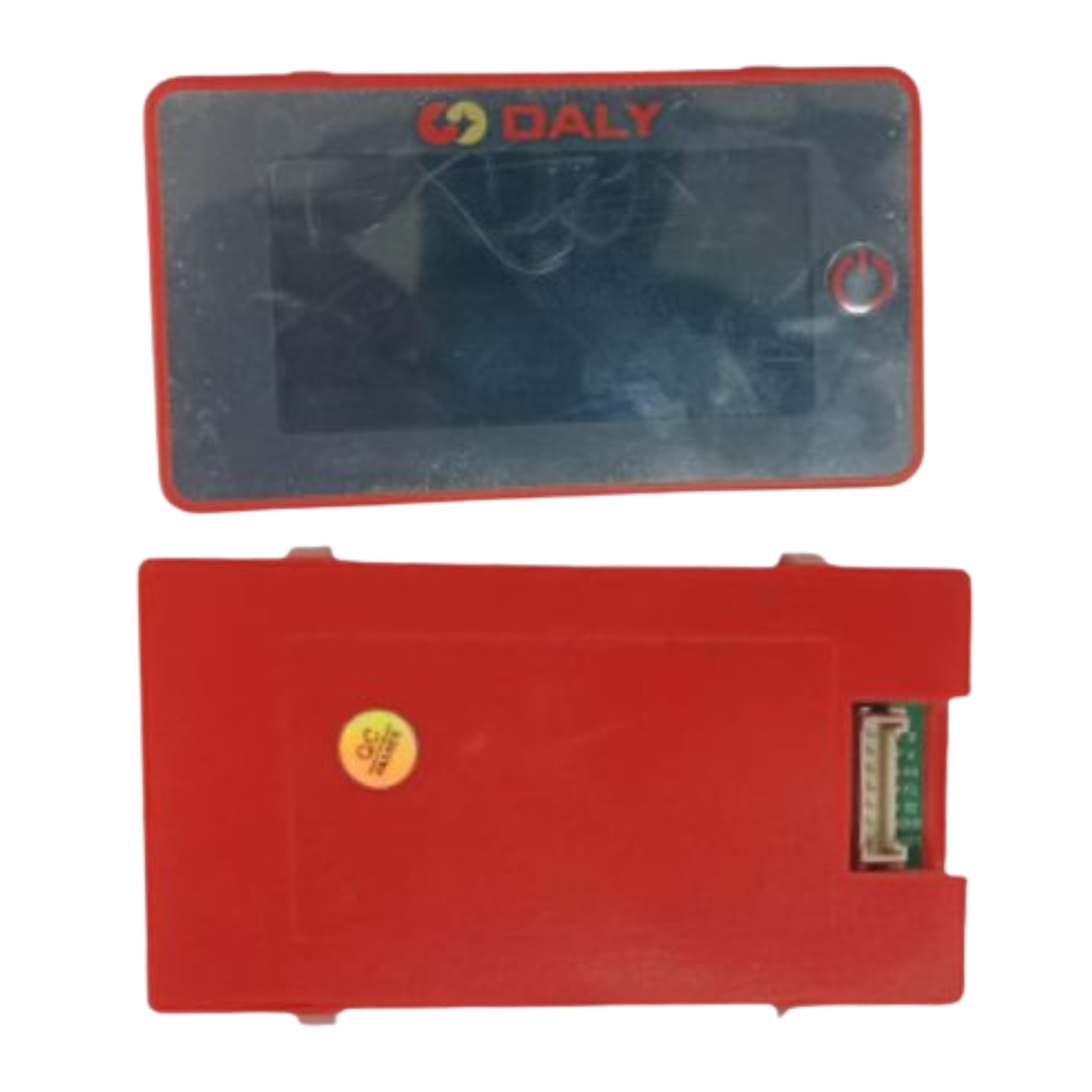
Key Feature
• 3-Inch LCD Family - Provides a dedicated local battery view.
• SOC and Electrical Data - Read supported charge, voltage and current data.
• Temperature Information - View the temperature reported by the BMS.
• Button Wake - Access the screen through its local control.
• Status Monitoring - Check the reported charging or discharging condition.
₹789.00
DALY 3.0 Battery SOC Display
The DALY 3.0 Battery SOC Display is the catalogue's 3.0 display option for a compatible DALY BMS. The referenced 3-inch LCD family presents SOC, voltage, current, temperature and charge/discharge status locally.
A larger everyday readout can suit equipment where a small percentage gauge is not enough. It gives the user several battery values in one interface, helping distinguish a charging condition from a battery that is supplying a load without needing to open the enclosure.
Technical Performance & Engineering Details
DALY's documented 3-inch display family includes button wake and automatic standby behaviour. Its displayed values are supplied by the connected management system, so the screen is a viewing accessory rather than an independent protection or capacity-measurement device.
SOC is an estimate of charge remaining, current describes the charging or loading condition, and temperature information needs to be interpreted according to the sensor reported by the BMS. These values complement one another but do not provide a guaranteed runtime calculation or establish the condition of every cell by themselves.
Treat 3.0 as the catalogue display designation, not as proof that the battery-management board runs a particular firmware version. Match the exact screen revision, supported BMS and cable before ordering. The manufacturer describes several 3-inch mounting designs; the supplied mounting and cable must be selected for the actual installation.
For a battery-box installation, check face visibility and panel clearance. For an approved vehicle installation, position the display and wiring so they do not obstruct controls or movement. Do not assume that brackets, clamps, long cables or fault-code functions from another mounting version are included with the selected unit.
Applications
• Local multi-parameter views on compatible DALY battery systems.
• Battery-box interfaces needing more than a percentage gauge.
• Approved equipment-panel installations with matched mounting.
• Service replacement of the same 3.0 display configuration.
• Commissioning and routine checks of reported battery conditions.
Installation Guide
Install the display using the instructions for the exact screen and board combination. Isolate power during wiring, verify the supply and signal connections and secure the harness independently of the connector. Allow enough clearance for the chosen mount without pinching the cable or exposing it to sharp edges.
Compare SOC, voltage and current readings with the BMS during a controlled operating check. Confirm which temperature is being displayed and verify expected button and standby behaviour. Record the supplied mounting version and cable arrangement for repeat procurement. A blank or sleeping display should be checked against the documented operating logic before it is treated as evidence of a battery fault. Include the selected mounting format in the equipment documentation so subsequent replacement screens use the same installation arrangement.
Why Choose ARB Accessories?
ARB Accessories supplies DALY battery-management accessories within a wider lithium-battery component catalogue. Include the BMS identification, required display style and installation drawing in your enquiry. Coordinating the screen with its intended board, wiring and enclosure gives procurement teams a clearer specification than selecting a display solely because the front panel looks familiar.
Product overview
DALY 3.0 Battery SOC Display The DALY 3.0 Battery SOC Display is the catalogue's 3.0 display option for a compatible DALY BMS.
- SKU
- 26000572
- Category
- Battery SOC Display
- Brand
- Daly
- Unit
- PCS
- Minimum order
- 1 PCS
- Availability
- In Stock
Review key features and technical specifications before ordering. Contact ARB Accessories if you need compatibility or bulk-order guidance.
Datasheet
Datasheet